Image alternative text
Describe what the image contributes, without inventing what it shows.
Maintain an image's alternative text up to 300 characters and review AI-suggested changes before applying them.
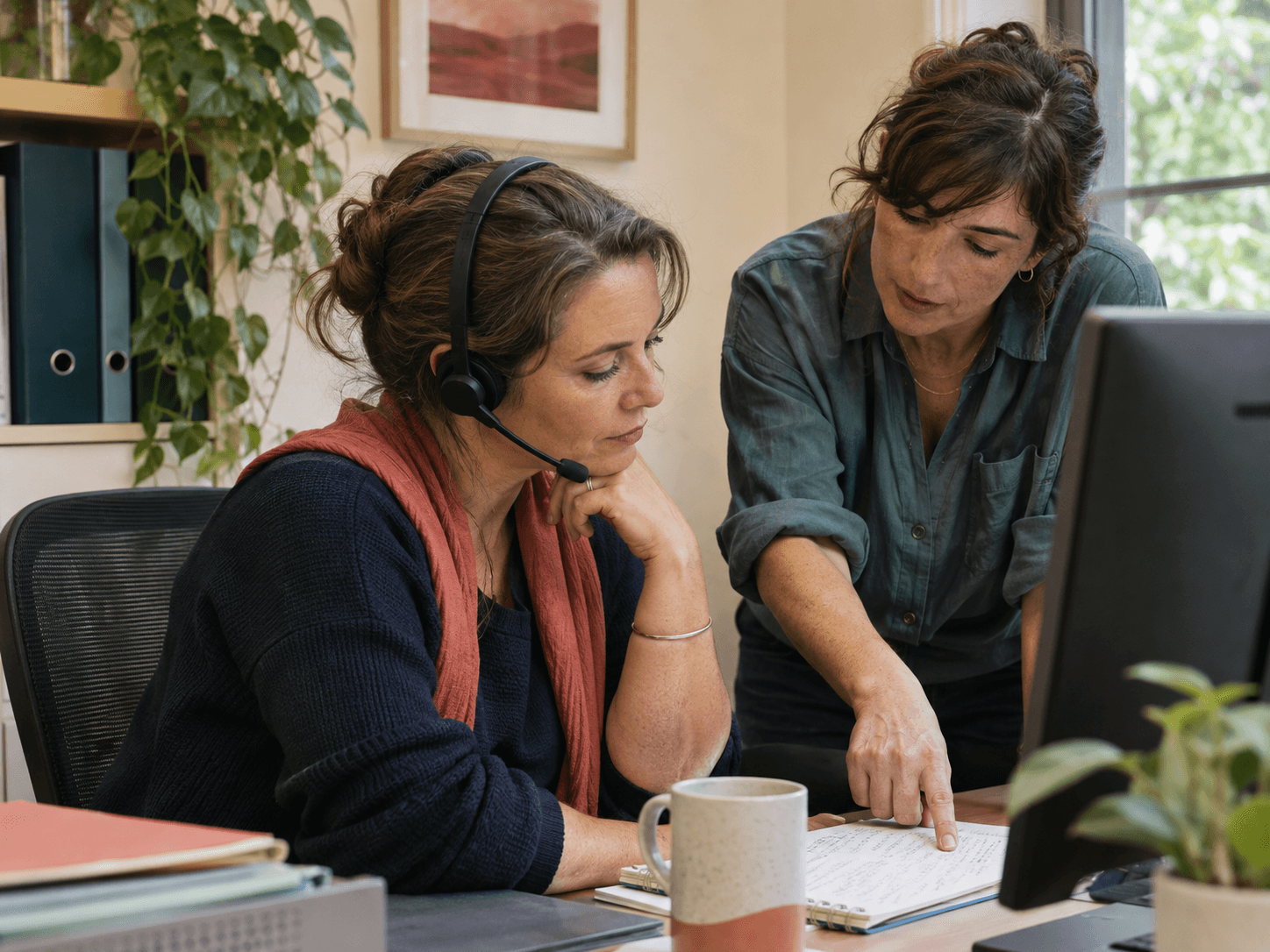
Two colleagues discuss a customer enquiry at a desk; one is wearing a headset.
Up to 300 characters. Check the description against the actual image and page context.
A useful description is specific to the actual image.
Alternative text helps describe meaningful visual information. The Media module lets authorized people maintain that description on an image asset. The text should match the content and intended website role rather than become a container for unrelated keywords. A description alone does not establish complete accessibility, image rights or a guaranteed search outcome; the page and publishing process still need broader review.
Write within the supported field.
The asset alternative-text field supports up to 300 characters. Use that space for a clear description instead of a long marketing paragraph. Check what the image actually depicts and avoid adding unverified identities, locations or results. A generated illustrative scene should not be described as a real customer installation or testimonial unless that claim is independently true.
- An alternative-text field up to 300 characters
Use AI suggestions as drafts for confirmation.
The AI alt-text tool proposes an asset update rather than applying it without human confirmation. The user also needs the relevant media update permission. Compare the proposed wording to the actual image before accepting. If the model infers details the image does not support, revise or reject the suggestion rather than treating fluent wording as visual evidence.
- Permission-scoped proposals with human confirmation
Two colleagues discuss a customer enquiry at a desk; one is wearing a headset.
Up to 300 characters. Check the description against the actual image and page context.
Review the description in the publishing context.
An asset-level description is part of the work, but its usefulness depends on how the page uses the image. Check the actual page experience and any surrounding text. Do not assume that changing one field audits every use, fixes all accessibility problems or improves rankings automatically. Keep image selection, rights and page review in the publishing process.
- Description checked alongside actual page use
A concrete workflow
Inspect
Identify the relevant visual information without assumptions.
Draft
Write a concise description within the supported character limit.
Confirm
Review any AI proposal and apply only with appropriate authority.
Test the page
Check the description's role in the actual public page.
An illustrative working example
Illustrative scenario: correcting an inferred identity
An editor asks AI to propose a description for an illustrative team image. The draft calls the people a named customer's employees, which the image does not establish. The reviewer removes that claim and writes a factual visual description. The pilot tests the confirmation step, character limit and actual page use. The team records who reviews future suggestions so speed does not turn invented identities into public statements.
Questions about this topic
How long may the text be?
The supported field allows up to 300 characters. Use that space for meaningful concise description, not unrelated keyword lists.
Can AI apply the change without review?
The tool proposes a change for human confirmation and requires the user's media update authority.
Will this guarantee accessibility or SEO results?
No. Alternative text is one part of the page experience. Review the complete implementation without promising rankings or blanket compliance.
Can I name people not verified in the image?
Do not invent identities, clients or outcomes. Use an honest visual description and identify illustrative material appropriately.
Explore connections around this workflow.
Ideas for intended connections. Check the actual availability, permissions and supported data for each app before using a scenario.

OpenAI
Application concept: Explore draft image descriptions that an editor checks against the actual image and intended page context.

Anthropic
Application concept: Plan human review of proposed alt wording without claiming automatic accessibility compliance.

Notion
Application concept: Use a Notion editorial note to distinguish the image's purpose from decorative or unsupported details in alt text.